Original
Shows the item's real color, texture, labels, and signs of wear.
SELLMATE PRODUCT PHOTOS
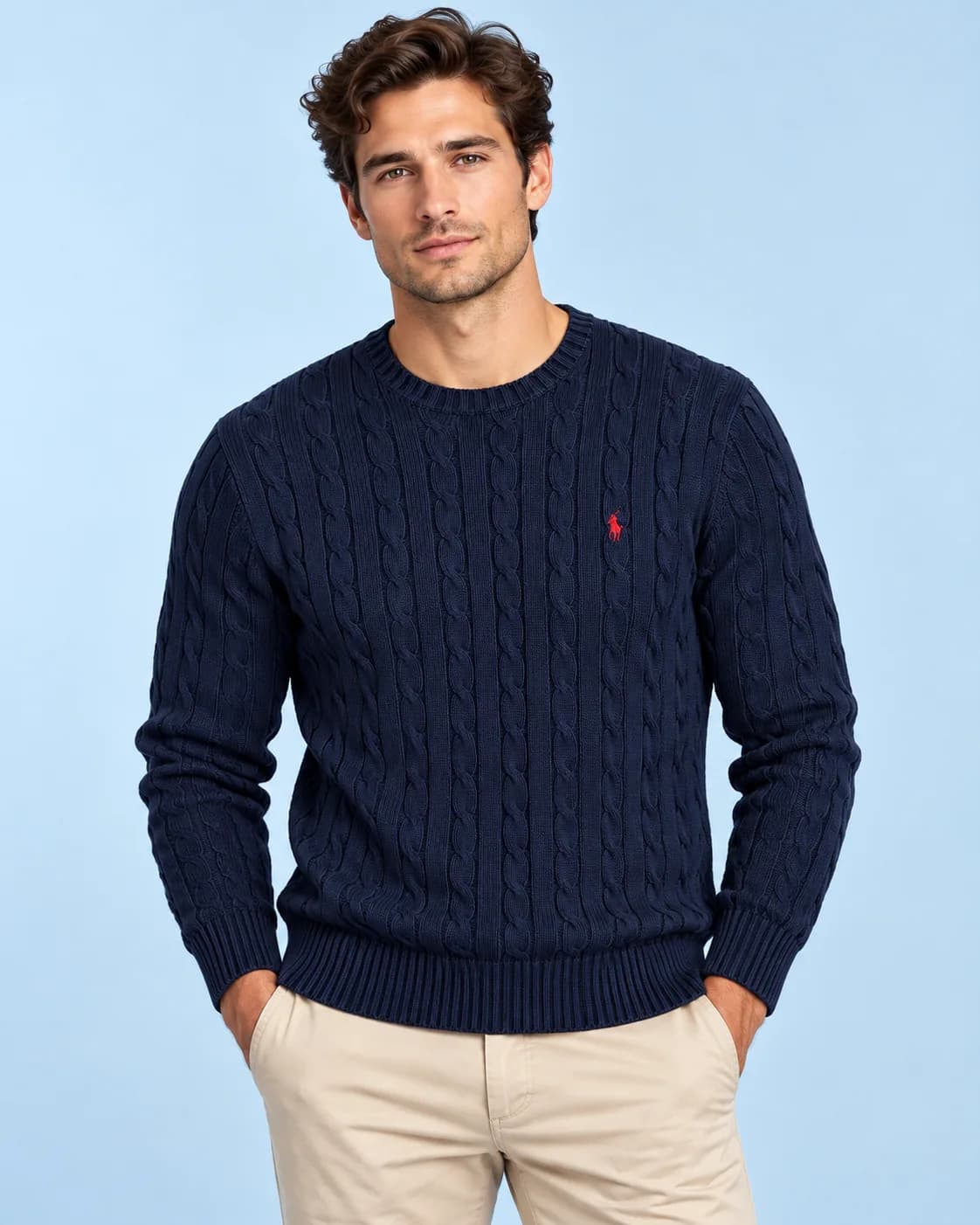
Buyers want to imagine how clothing looks on a person. SellMate can create an additional AI visualization from a selected photo while retaining the original image.
Upload a clear photo of the clothing item. Show the entire front and add separate detail shots when needed.
Choose “On female model” or “On male model” for an image. SellMate creates a new view and keeps the original beside it.
Compare color, shape, logos, and defects. If an important detail changes, remove the visualization and use the original photo.
AI-generated photos may not accurately represent fit, size, color, or condition. We mark them as visualizations and use the original images for listing analysis. Keep real item photos in your listing too.
After choosing your images, pick one of three copy styles: natural, engaging, or detailed. Edit the draft before moving it into a listing form.
Create a free account