01
Add photos
Add your own photos. Keep the originals and, if you like, adjust the crop, lighting or background.
AI THAT HELPS YOU SELL
Turn item photos into an organized listing draft. Refine the image, review AI suggestions, and move details to Vinted when everything looks right.
Public accounts and subscriptions are coming. Access is currently limited to the owner.
 Workflow preview
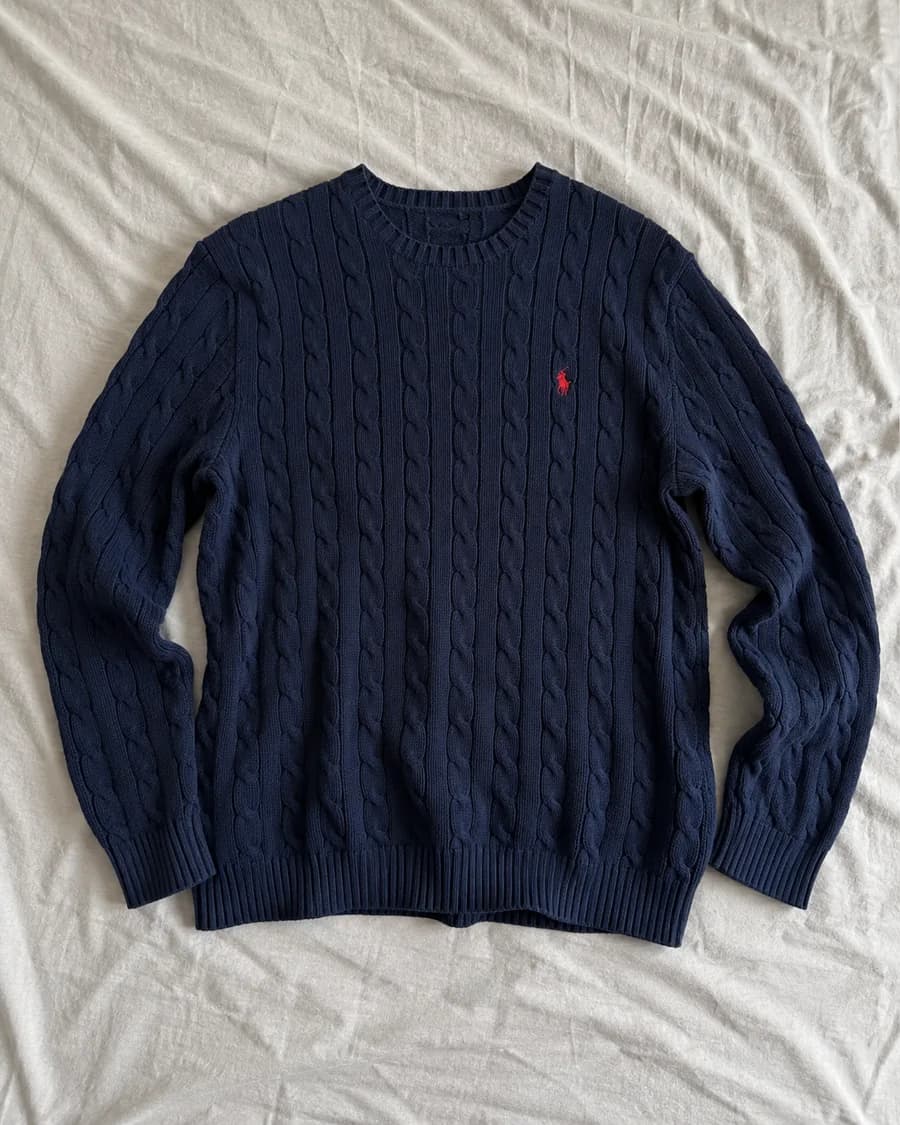 BEFORE · YOUR PHOTO
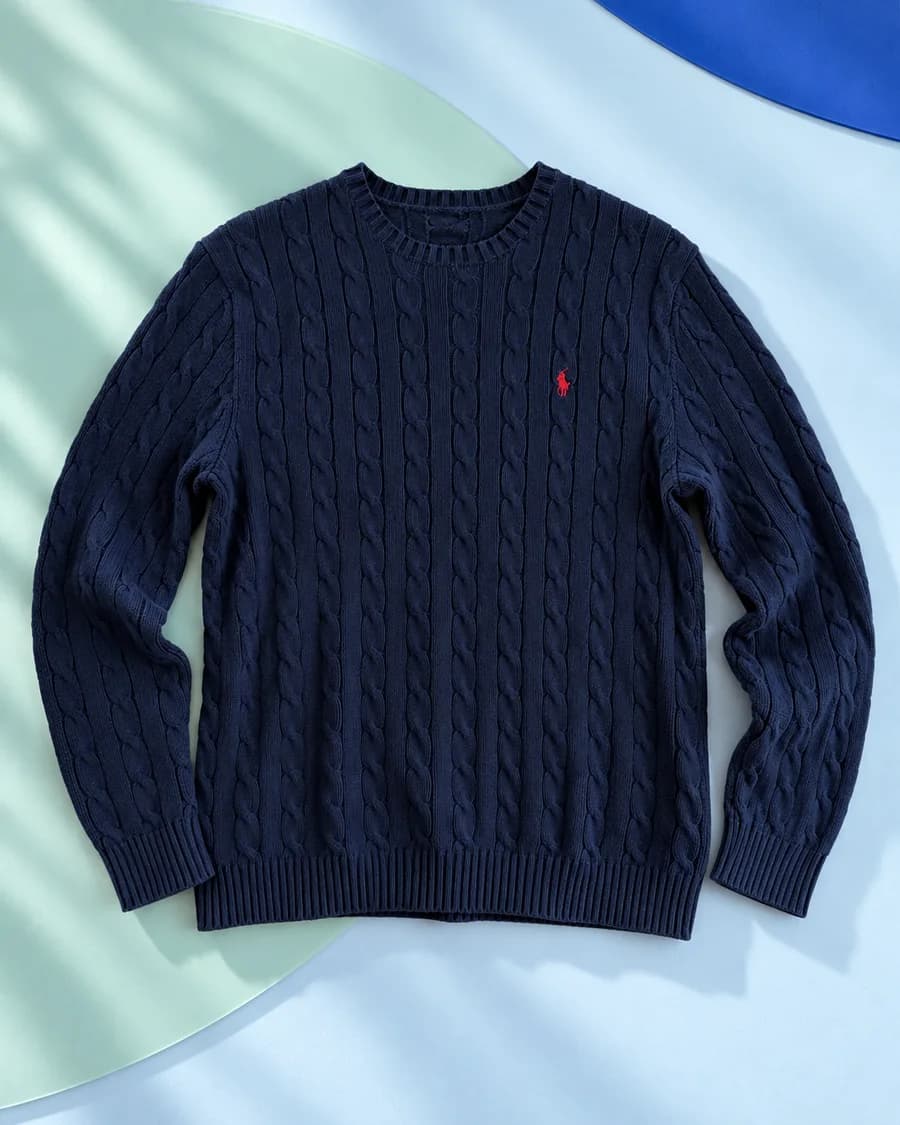 AFTER · ILLUSTRATION
SELLMATE / APPROACH
SellMate organizes the work but never guesses an item's condition, brand or flaws on your behalf. You can edit every suggestion before using it.
FROM PHOTOS TO A DRAFT
Creating a listing should not mean jumping between a photo editor, notes and a sales form.
Add your own photos. Keep the originals and, if you like, adjust the crop, lighting or background.
AI suggests a title and description from your photos and the facts you provide.
Confirm condition, flaws, dimensions and other facts. You can edit every suggestion.
Run the extension on an open Vinted page. Review every field and decide when to publish.
MORE CONTROL, LESS REPETITION
The assistant speeds up preparation without taking decisions away from you. Every stage is clear and editable.
See an exampleSimple edits and an optional new background help show the item clearly. Your original remains available.
AI suggestions are a starting point. You describe the real condition and verify the facts.
The extension fills one form only after you click. It does not publish for you.
DRAFT PREVIEW
Photos, a suggested title and key details side by side help you catch mistakes before opening the listing form.
 DRAFT PREVIEW×
Condition to confirm
PRODUCT PRINCIPLES
SellMate does not ask for your Vinted password or click Publish. It works on a page you opened yourself. Check the platform's current terms before using external tools.
QUESTIONS
No. The extension can fill one form after you click, but it does not click Publish. You review every field before posting.
No. SellMate does not request your Vinted password. You work on your own already open page.
Yes. Condition, brand, size, price and flaws need your review. You can edit the suggestions.
Not yet. The current version has private owner access. Public accounts, payments and store installation are planned.
No. SellMate is an independent tool and is not affiliated with or endorsed by Vinted.
SELLMATE / IN DEVELOPMENT
See how SellMate connects photos, copy and detail review. Public access will follow once accounts, payments and extension installation are ready.